
Guide
What to send your online interior designer
Send clear photos of every wall, a slow walkthrough if useful, key measurements, and a short brief about what stays, what changes and your budget. Photos explain the room; measurements establish its size.
By InteriorsVisualize · Design planning
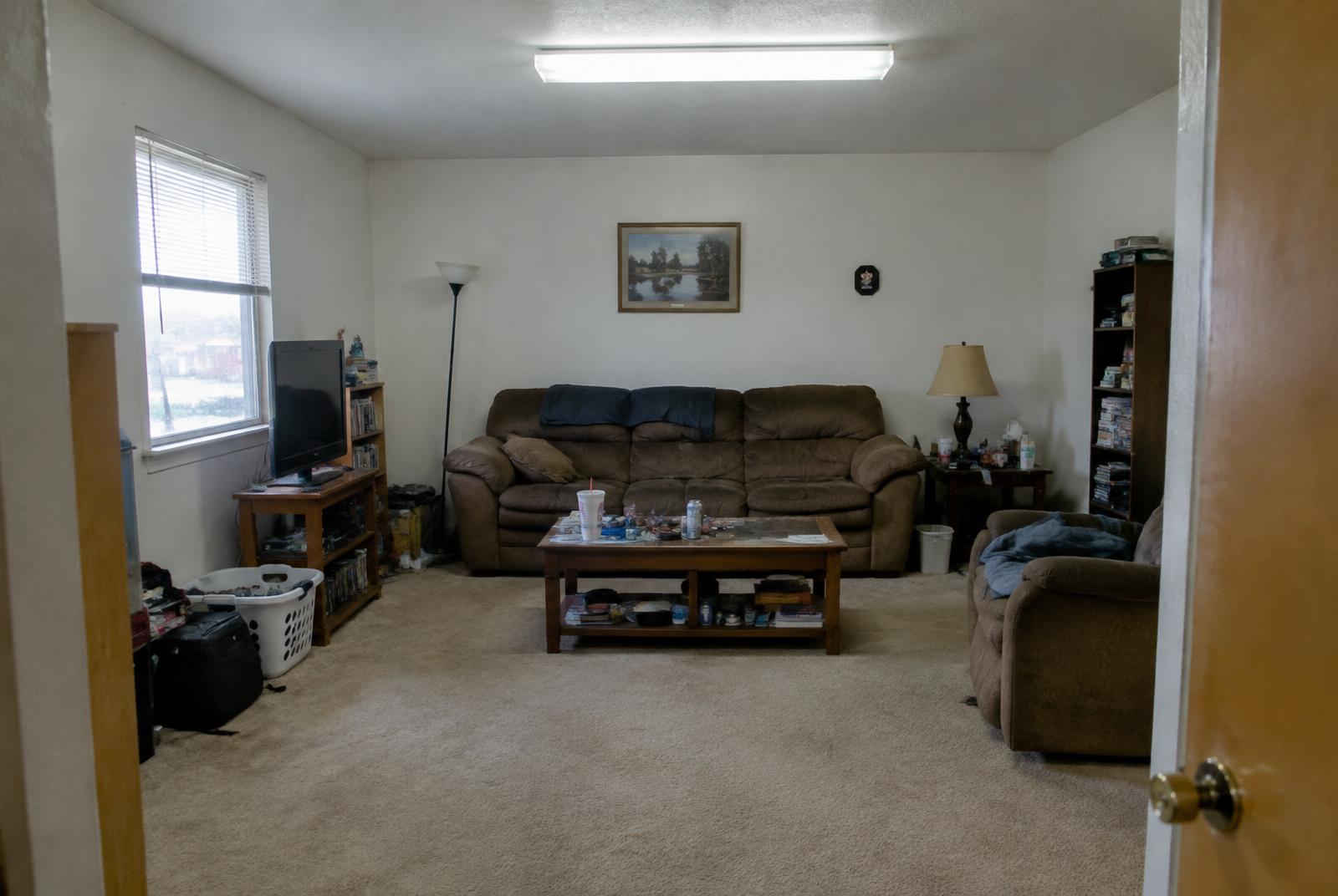
Photograph the room, not just the best angle
Take a wide view from each corner, then face each wall. Include doors, windows, furniture you want to keep and any awkward areas. Photograph built-ins, outlets and fixtures when they matter to your project.
Use good daylight where possible and avoid filters that change colors. A close-up can show a finish, but it should accompany a wider view showing where that finish belongs.
- One wide photo facing each wall
- Views of entrances and adjoining spaces
- Close-ups of fixed features or problem areas
- Photos of furniture and finishes that must stay
Record a slow, continuous walkthrough
Move slowly enough for a designer to follow the room. Start at the entrance, show each wall, and finish with anything easy to miss. Explain what works, what frustrates you and how the space is used.
A video is context, not a measuring instrument. Do not assume a designer can recover exact dimensions from perspective or a phone recording. Upload manual dimensions separately. A video is helpful when connections between rooms are hard to understand from photos.
Add dimensions and a realistic brief
Include room length, width and ceiling height, plus relevant openings and fixed elements. Mark anything you have not measured rather than guessing. Existing floor plans can help, but note whether they reflect the room as it is today.
Separate your design-fee budget from your furniture and construction budget. Describe how many people use the room, your priorities, style references, accessibility needs and any restrictions. Remove personal documents, faces and identifying details you do not need to share.
What happens after you send it?
With our capture process, your information is saved to your project. A designer reviews submitted media and measurements, requests missing details when needed, and confirms scope before a final quote. Uploading a video does not trigger an automatic remodel or an exact 3D scan.